
How to add reviews to TrustShop
Key take-away
There are 3 ways to do this, once you have installed the app and activated the widget embedding:
- From widget on online store
- Emails to buyers
- Importing
Buyers leaving reviews on Online Store
Customers can visit your online store and leave a review through the integrated widget.
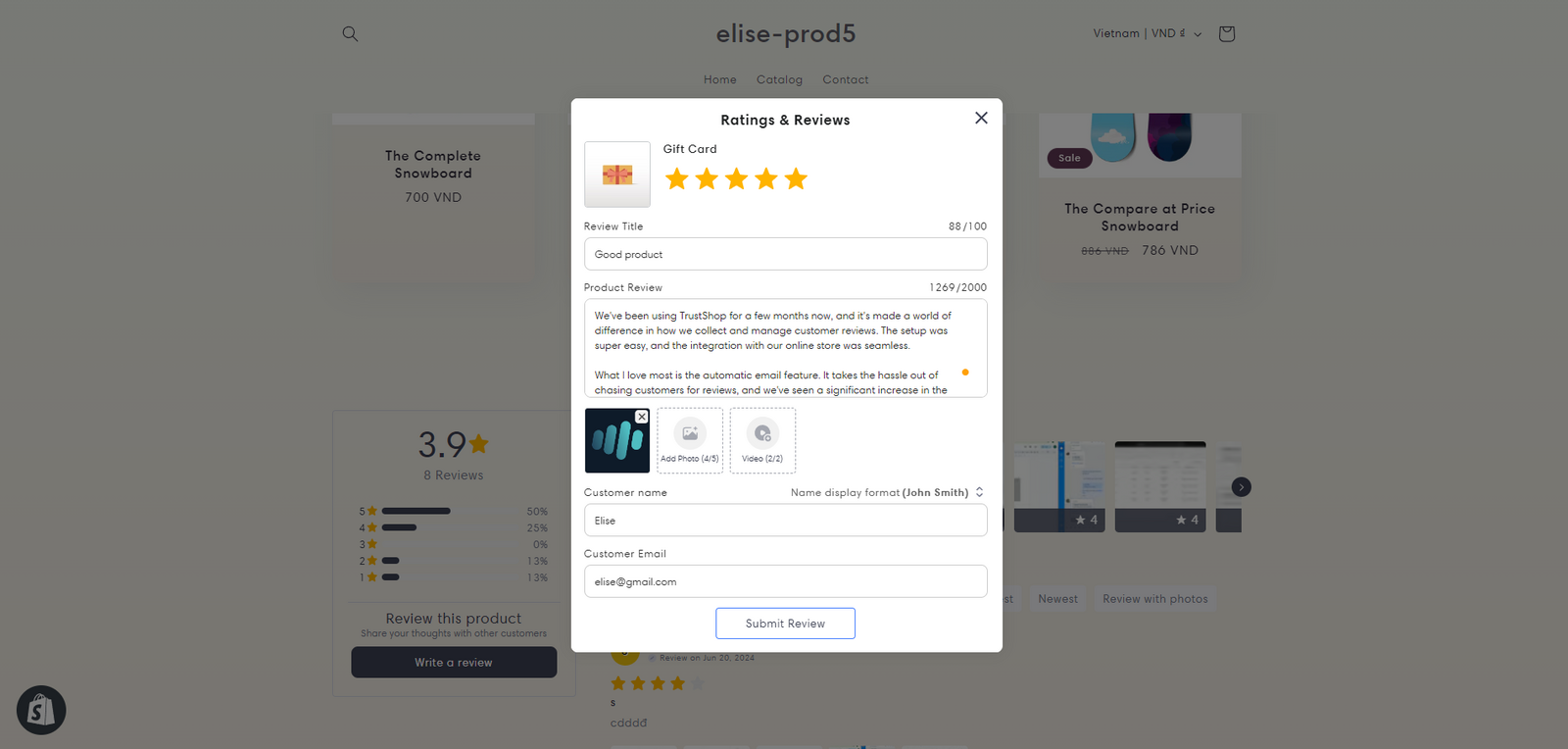
How to add widget:
Storefront | Add widget (auto)
Send Request email to Buyers
After each completed order, TrustShop will automatically send an email to the customer requesting a review of the product and service.
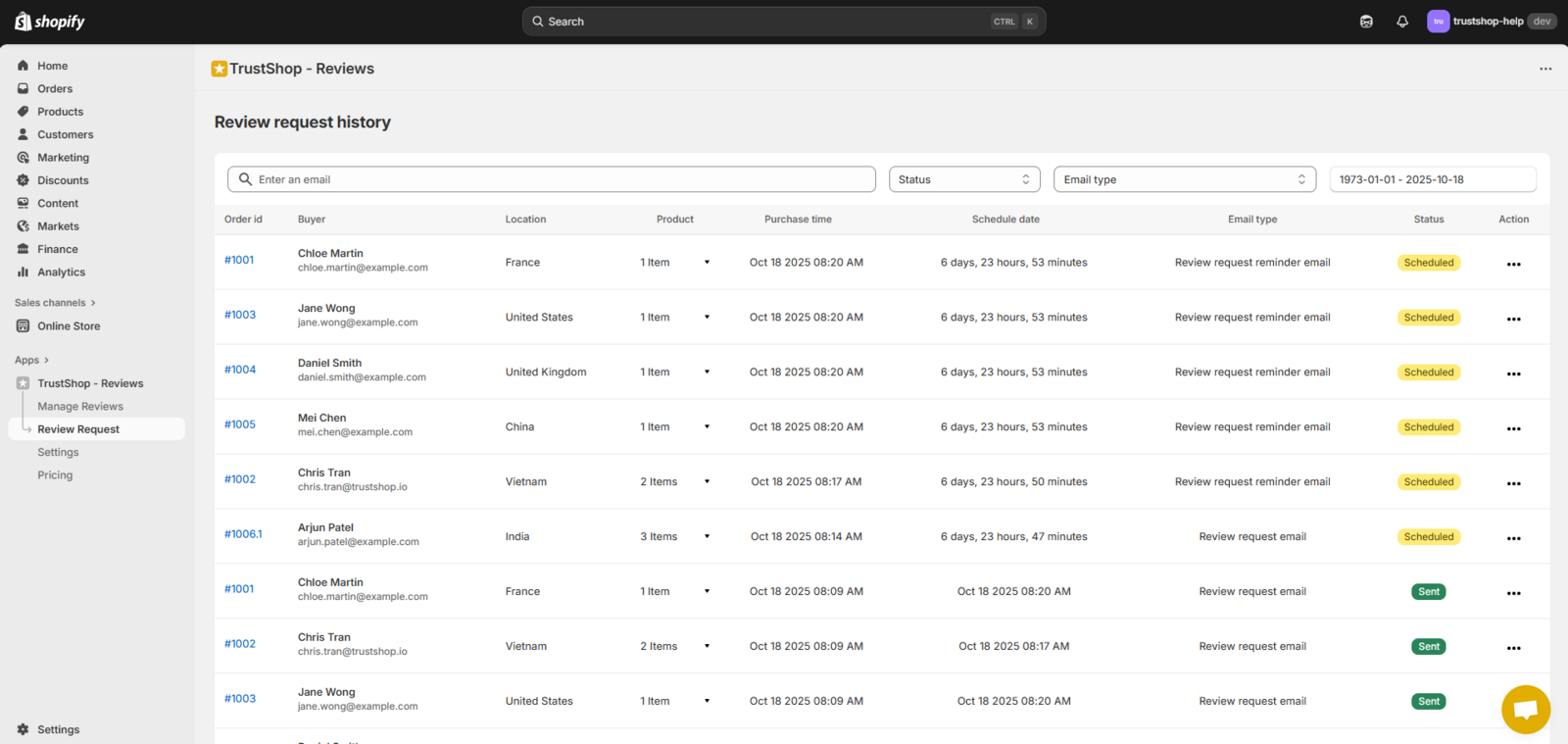
How to tailor Request email: click button Email template
Import reviews from other platforms
If you already have reviews on other platforms like Trustpilot, Google Reviews, etc., you can easily export the review file and import it into TrustShop.
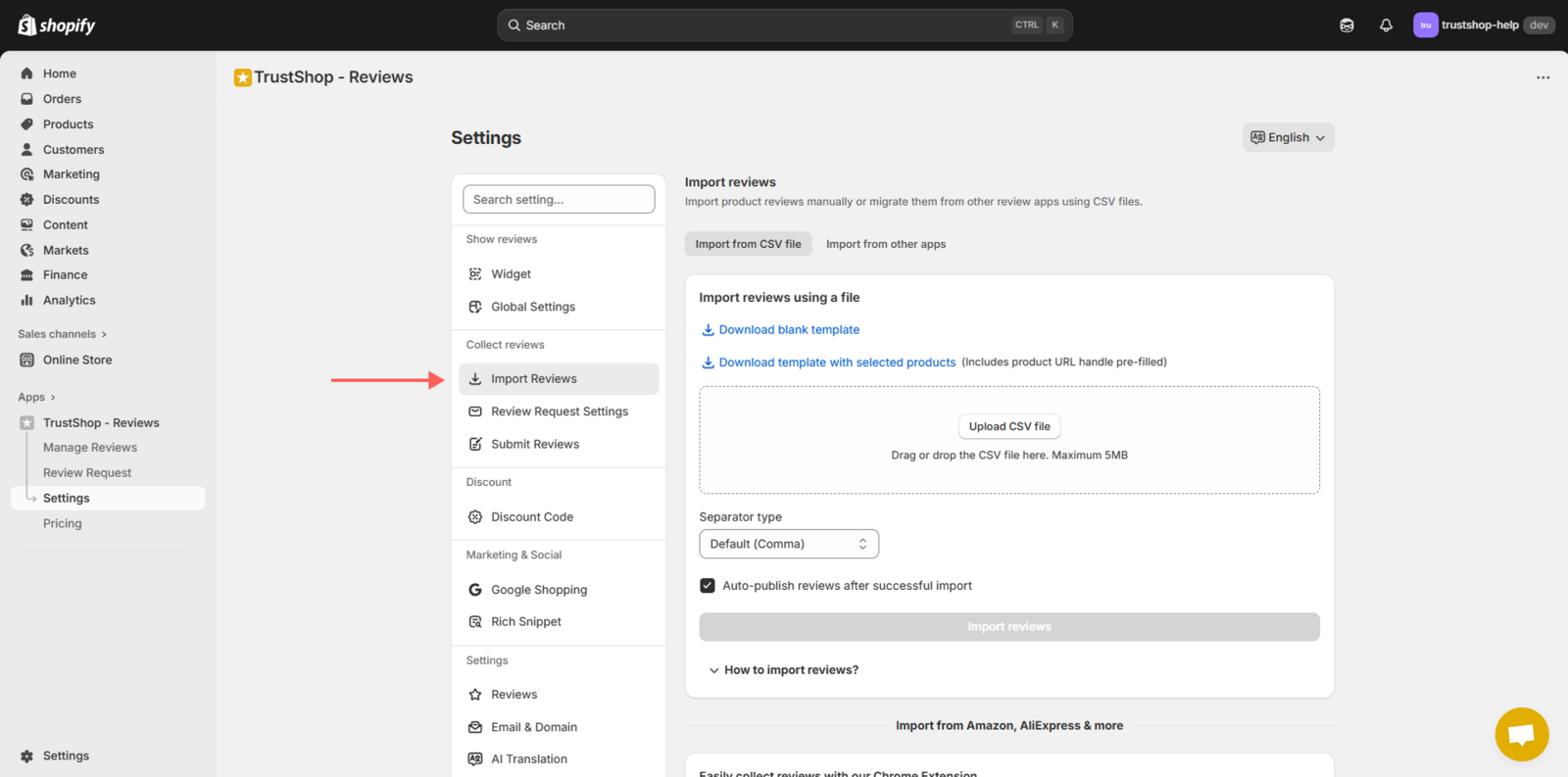
How to import files from any source:
Import reviews by a CSV file
If you need more detailed instructions on how to perform each method, do not hesitate to contact us again. The TrustShop support team is always ready to answer any questions you may have.
We wish you much success in your business!
Updated on: 18/10/2025